How I Made Claude Code a Consistent Tool Across My Homelab
Claude Code got a lot more useful in my homelab once I stopped treating every session like a fresh start. This is the setup I use to give it shared context, focused skills, and a memory layer that survives across servers.

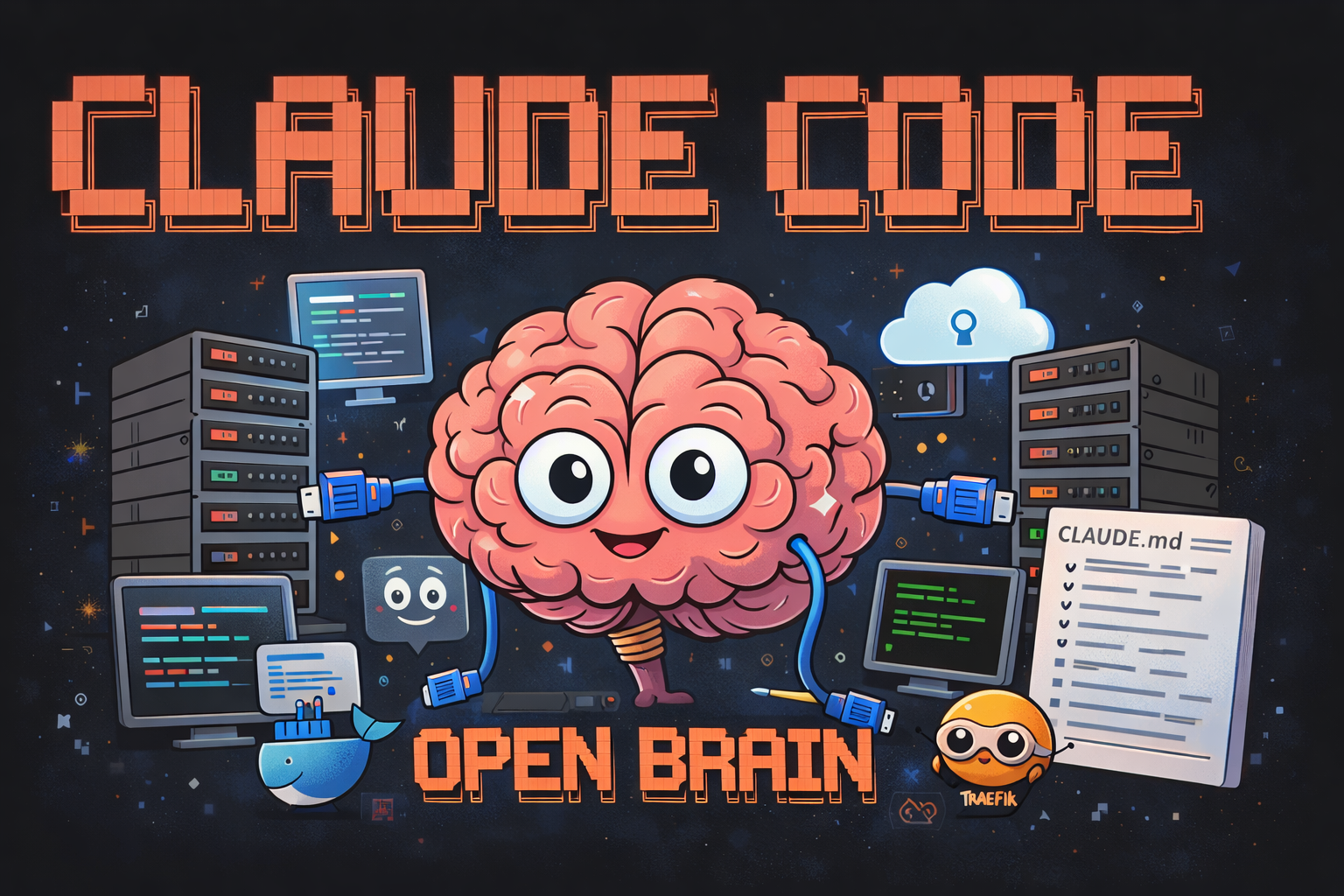
The hardest part of using Claude Code in a homelab isn't capability. It's context.
In the last post, I wrote about wiring Beszel into Claude so it could start troubleshooting with live system data. This post is the bigger picture: the rest of the setup that makes Claude consistently useful across the whole homelab.
Out of the box, every session starts clean. Claude doesn't know which server it's on, where the Docker Compose files live, what conventions I use, or which weird limitation already bit me once before. That means the first part of a lot of sessions turns into the same routine: re-explain the layout, restate the constraints, and remind it where things are.
That gets old fast.
What I wanted was simple: if I opened Claude on any server in the homelab, it should already know the environment well enough to be useful immediately.
This is the setup I ended up with.
The Real Cost of Fresh Context
Stateless sessions sound clean in theory, but in a homelab they waste time.
Even a modest setup has a lot of implied context. There are multiple hosts, a pile of containers, custom paths, reverse proxy rules, storage constraints, one-off workarounds, and the usual collection of "don't touch that without checking first" services. None of that is obvious to a fresh assistant.
So instead of starting with the problem, you start by rebuilding the map.
That matters more than it sounds. If Claude knows a server is storage-constrained, that changes the commands it should suggest. If it knows a service sits behind Traefik, it asks better questions. If it knows your usual Docker layout, it stops guessing and starts looking in the right places.
The difference is not intelligence. It's whether the context is already there.
CLAUDE.md Became the Persistent Brain
The biggest improvement came from a single file: CLAUDE.md.
Claude Code loads that automatically at the start of a session, which makes it the best place to put durable context about how the homelab is structured.
Mine acts like an operational map. It includes:
- a short overview of the main servers and what they do
- the important filesystem and Compose locations
- the Docker conventions I try to keep consistent
- a list of available skills and when to use them
- a few hard constraints that are easy to forget but matter during troubleshooting
That last category is the one that pays off the most. A fresh assistant will happily suggest ideas that make sense in the abstract but are bad for your actual environment. Once those constraints are written down in a persistent place, the suggestions get a lot more practical.
Here's the kind of structure I use:
## Environment Notes
- Main servers and their roles
- Standard container and compose paths
- Reverse proxy and networking conventions
- Resource constraints that should influence troubleshooting

## Skill Routing
- Container issue -> service-health
- Reverse proxy issue -> traefik
- Dashboard issue -> homepage
- Live system stats -> beszel
It's not a mega-prompt. It's just enough structure to keep Claude oriented.
Skills Beat One Giant Prompt
Once CLAUDE.md gave Claude the high-level map, the next step was breaking recurring tasks into skills.
In Claude Code, skills work well as small operational guides. Each one covers a specific area, points Claude at the right files or commands, and lays out the workflow for a particular kind of task.
My current set covers things like Docker, Homepage, Traefik, service health, Beszel, n8n, and a few project-specific workflows.
The useful part is that they stay focused. Instead of shoving everything into one huge instruction file, I can keep each skill narrow and practical.
That pays off during real troubleshooting. If a container is unhealthy, Claude doesn't need my whole homelab philosophy. It needs the service-health skill. And in my case, that workflow starts by checking Beszel so Claude sees live CPU, memory, disk, and load data before it starts digging through logs.
That approach has held up better than a giant all-in-one prompt for one reason: it stays maintainable. I can update one skill without rewriting the entire system.
Open Brain Handles the Memory Part
CLAUDE.md is good for stable structure, but it isn't the right place for everything.
Some context changes constantly. Decisions get made, incidents happen, odd fixes pile up, and six weeks later I want Claude to remember why I did something a certain way.
That's where my Open Brain setup comes in.
Open Brain is the memory layer I use alongside Claude. It gives me a searchable place to store the stuff that should survive across sessions: decisions, troubleshooting notes, server details, follow-ups, and anything else worth keeping.
That changes the workflow in a simple but important way. Instead of relying on me to remember what happened last month, Claude can search for it.
A typical pattern looks like this:
search_thoughts "why did I move that service off the main host?"
capture_thought "Moved the service after repeated storage pressure during updates..."
That complements CLAUDE.md nicely. One holds the structural map. The other holds the living memory.
Everything Lives in One Repo
To keep it consistent across machines, I put the setup in a single repo.
That repo holds:
CLAUDE.md- the skill files
- config and helper scripts
- anything else Claude needs to behave the same way on each server
The repo gets cloned where I need it, and a small setup script handles the rest. When I improve a skill or update the base instructions, I only have to do it once.
That matters more than the tooling choice. The important part is that the context lives somewhere portable and versioned. I use Forgejo for the remote, but the real win is just having one source of truth.
What It Feels Like in Practice
The best part of this setup is that it removes the awkward first ten minutes.
I can open a session on a server I haven't touched in a while and Claude already has the basics: what the machine is for, where things usually live, which workflows exist, and which constraints matter.
That doesn't mean it magically knows everything. It still has to inspect the current state, read logs, and check live metrics. But it starts from the right frame instead of from nothing.
Compared to a clean session, the difference is obvious. Less re-explaining. Less wandering. Better first questions.
What's Still Missing
This setup is better than where I started, but it's not finished.
There are still a few rough edges:
- the Beszel token expires, so that workflow needs a better maintenance routine
- some parts of the homelab still rely on context that's only in my head
- I still want to automate documentation updates from live monitoring data
- n8n is the obvious next place to build more proactive workflows
That's normal. The goal was never to make Claude autonomous. The goal was to stop wasting time rebuilding the same context over and over.
That part is working.
Beyond the Lab
The next step is expanding Open Brain beyond the homelab. Right now it's mostly technical memory, but the same model should work for a lot more than servers and containers. Home maintenance, recurring household details, and personal reference material all fit the same pattern: useful context that shouldn't disappear just because a session ended.
If that works, Claude stops being something that only remembers my infrastructure and starts becoming a tool that can hold onto more of the background context around everyday life too.